QR codes for real estate: signs, viewings and listings
Aggiornato il 20 settembre 20268 min di lettura
Articolo in inglese
Questa guida non è ancora tradotta nella tua lingua: stai leggendo la versione inglese.
A property is sold from the pavement long before anyone calls the office. A QR code on the sign turns a passer-by into a lead in ten seconds — photos, price, floor plan, viewing request — without an agent answering the phone. The difference between a code that produces enquiries and one nobody scans comes down to four decisions: size, destination, one code per listing, and what happens after the sale.
The four places a listing code belongs
| Placement | Read from | Sends people to |
|---|---|---|
| For-sale board in the garden or on the facade | 3–4 m | Full listing: photos, price, floor plan, viewing request |
| Agency window card | 50 cm | Same listing page, plus a save-for-later contact |
| Printed brochure or viewing pack | 30 cm | Video tour, floor plan PDF, energy certificate |
| Open-house sign at the door | 1 m | Register interest form for that specific visit |
Sign sizes that actually scan
A for-sale board is read from the pavement or from a slowing car, not from arm's length. The working rule is a printed width of about a tenth of the reading distance, then verify it, because a long tracked listing URL needs more width than a short redirect link.
| Placement | Read from | Printed width | Do not go below |
|---|---|---|---|
| Brochure or viewing pack | 30 cm | 30 mm | 20 mm |
| Window card in the agency | 50 cm | 50 mm | 40 mm |
| Open-house sign at the door | 1 m | 100 mm | 80 mm |
| For-sale board on a fence | 3 m | 300 mm | 250 mm |
| Board set back in a garden | 4 m | 400 mm | 300 mm |
| Development hoarding | 8 m | 800 mm | 600 mm |
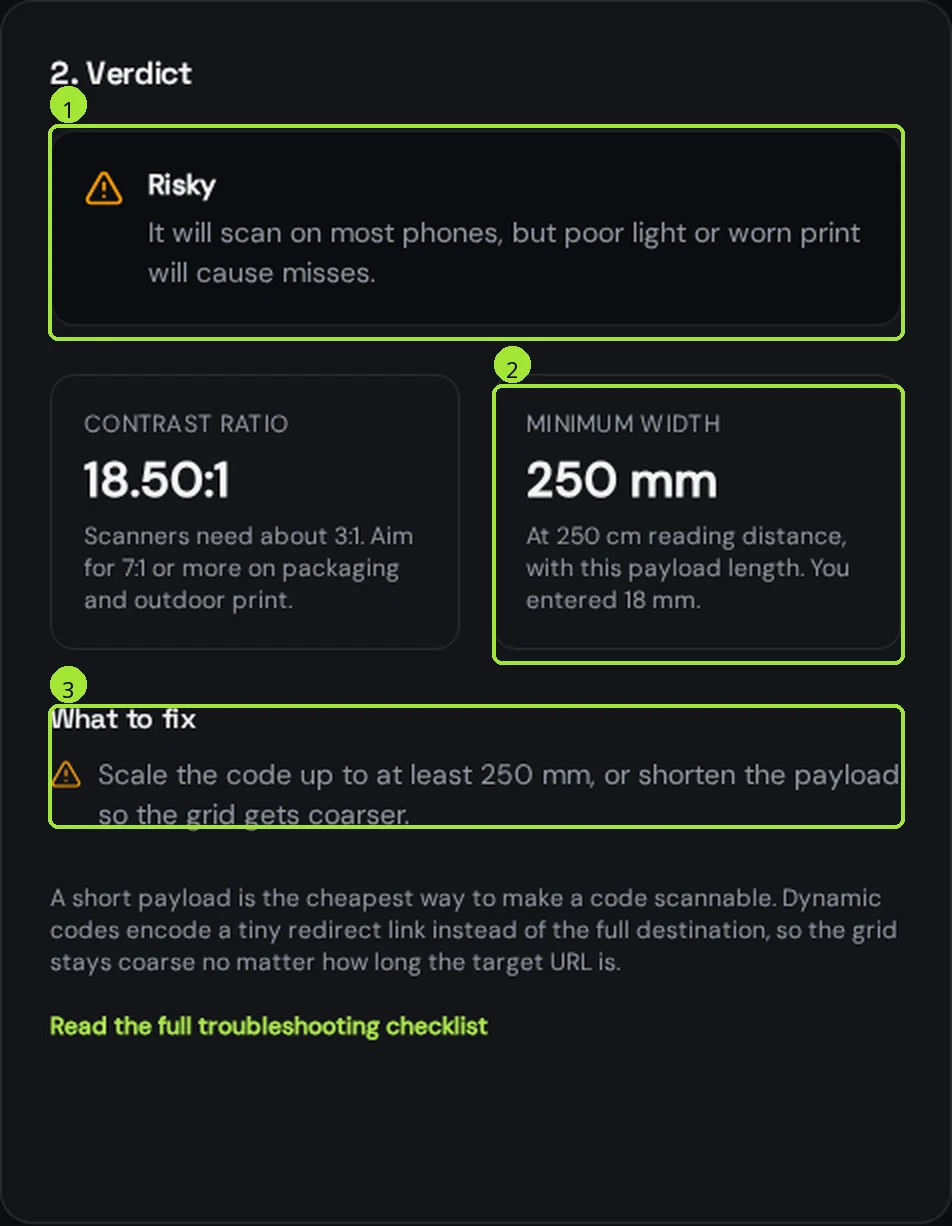
Run the destination through the <a href="/tools/qr-code-size-calculator">size calculator</a> before the board goes to the printer, and keep the board matte — gloss laminate mirrors the sky and is the most common reason a large outdoor code will not read. The full outdoor rules are in <a href="/help/printing-and-scanning/vehicle-and-outdoor-qr-code">QR codes on vehicles and outdoor signs</a>.
What the code should open
Scans happen on the street, on mobile data, in daylight. The page has three seconds to earn attention, so the top of the screen decides everything.
- Price and the headline facts first: rooms, surface area, floor, outdoor space.
- Photos immediately below, swipeable, compressed for mobile data.
- One primary action: request a viewing, with a form short enough to finish at a bus stop.
- Floor plan and energy certificate as links, not as a 12 MB PDF that stalls the page.
- The agent's name, photo and a tap-to-call number — many street scans end in a phone call.
If a listing has no mobile-friendly page, build one in Qreator's page builder: photos, description, floor-plan file, agent contact and a viewing request, all on one link you control and can edit from your phone during an open house.
Why listing codes must be dynamic
Boards get printed once and live outdoors for months. In that time the price changes, the property goes under offer, the viewing slots move and eventually it sells. A dynamic code lets you change the destination without touching the board.
| Stage | Code points to |
|---|---|
| On the market | Listing page with photos, price and viewing request |
| Open house week | Registration form for the visit slots |
| Under offer | Listing page with an under-offer notice and a similar-properties list |
| Sold | "Sold by us on this street" page with a free valuation form |
Producing codes for a whole portfolio
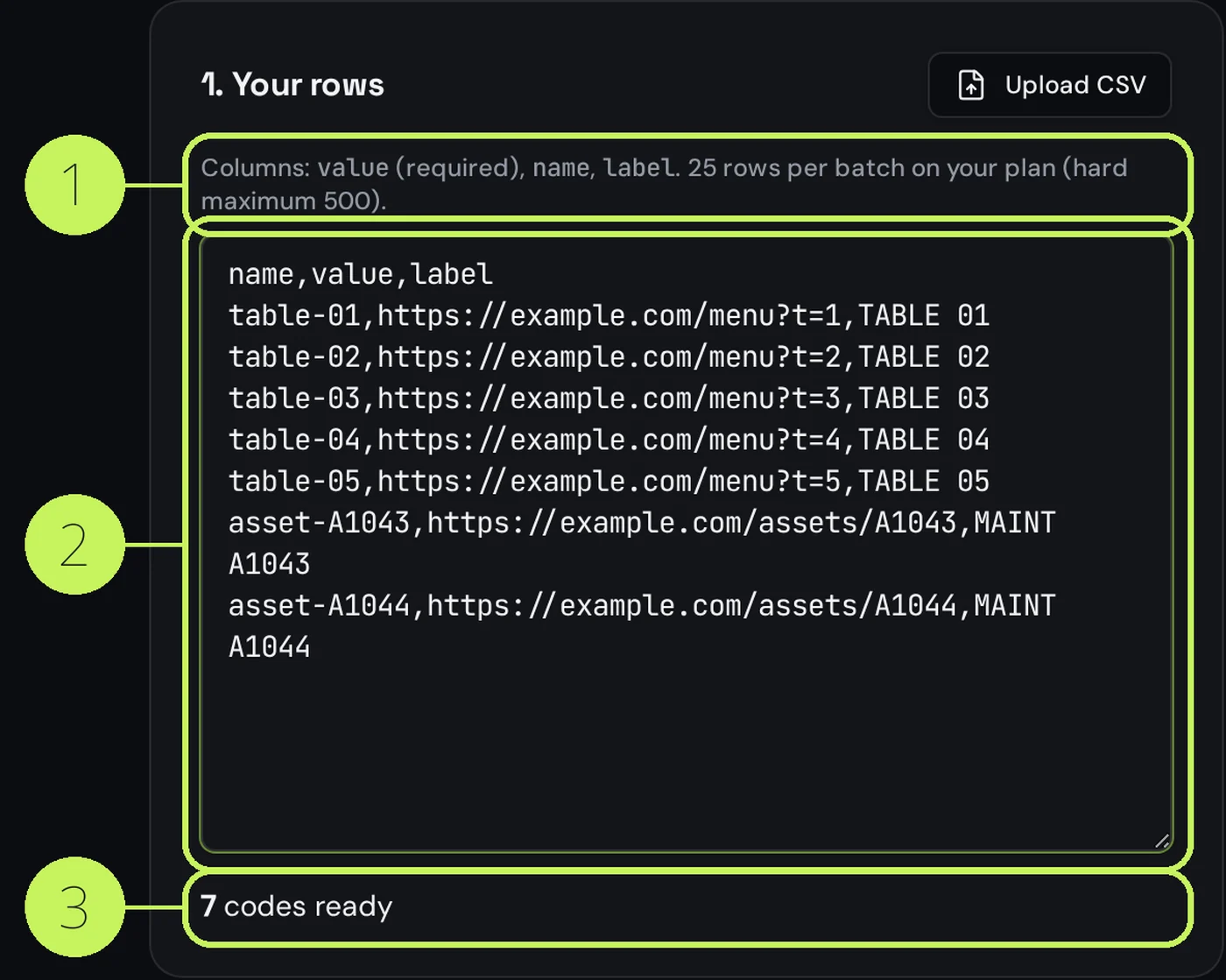
Agencies do not make codes one at a time. Put your listing references and URLs in a spreadsheet and generate the whole set in one pass, named by reference so the sign company can match file to property.
- Export a CSV with one row per listing: reference, name, destination URL.
- Generate every code at once with the <a href="/tools/bulk-qr-code-generator">bulk generator</a> and download the vector files.
- Name each code with the listing reference, so scan reports read like your own portfolio.
- Use folders per branch or per negotiator, so each team sees only their boards.
- Send SVG or PDF to the sign maker, never a screenshot or a PNG scaled up.
What to measure, and what it tells you
- Scans per listing: a board with heavy scans and no viewings is a pricing signal, not a marketing one.
- Scans by hour: evening dog-walk peaks mean your page must work in the dark, with a large tap target.
- Scans by city: distant scans come from portals and shared photos, local scans from the board itself.
- Board versus window versus brochure: keep separate codes and you learn which material earns its cost.
- Scan-to-enquiry ratio: if scans are high and the form is untouched, the page is the problem.
Privacy and a straight word on data
Scan reports are counts, not identities: you see how many people scanned, roughly where and on what kind of device. You cannot see who stood in front of the house, and you should not tell sellers otherwise. Personal data only enters the picture when someone submits the viewing form — so say what you will do with it on the form itself.
Domande frequenti
- How big should the QR code be on a for-sale sign?
- Size it for the distance people stand at. A board on a fence read from three metres needs around 300 mm; a board set back in a garden read from four metres, around 400 mm. Check your own listing link in the size calculator, because a long tracked URL needs more width.
- Should each property have its own QR code?
- Yes. One code per listing is the only way to see which property, street and sign format generate scans. A single agency code produces one useless total, and you lose the per-listing evidence that is worth showing at a valuation.
- What should the sign code link to?
- The listing itself, never the agency homepage. Price and key facts at the top, swipeable photos, one short viewing-request form, and a tap-to-call number. If the listing has no mobile-friendly page, build a one-link page for it.
- What happens to the code when the property sells?
- Change the destination instead of letting it break. A sold board is scanned by neighbours who want the sale price, so point it at a local sold-prices page with a free valuation form until the board is collected.
- Can I see who scanned a property sign?
- No. Reports show counts, approximate area and device type — never identities. You only get personal details when someone submits the viewing form, and you should state on that form what you will do with them.
Prossimi passi
- QR codes for dealerships, workshops and car rentalOne code per vehicle on the windscreen card, a forecourt that keeps selling at 11pm, and the service sticker that books the next appointment on its own.
- QR codes on vehicles and outdoor signsThe outdoor rules: real sizes by reading distance, the parked-vehicle truth, weatherproofing, and what to print next to the code so people can still reach you.
- Change where a printed QR code pointsThe single feature people buy dynamic codes for: update the link, keep the print.