QR codes on product packaging and labels
Atualizado em 20 de setembro de 20268 min de leitura
Artigo em inglês
Este guia ainda não está traduzido para o seu idioma, por isso está a ler a versão inglesa.
A QR code on packaging is the least forgiving place you can print one. The run is 50,000 units, the label is 40 mm wide, the surface curves, the varnish reflects and the code has to still work three years from now — long after the campaign it pointed at has ended. Every decision below has to be made before the press runs, because there is no second chance.
Rule one: on packaging, the code must be dynamic
A static code freezes the destination into the ink. With packaging that is a liability: the landing page moves, the campaign ends, the product gets a new manual, the promotion expires, and you are left with pallets pointing at a 404.
| Year 1 | Year 2 | Year 3 |
|---|---|---|
| Launch campaign page | Product page and reviews | Support page, refill, spare parts |
| Promo code | Expired promo — must redirect elsewhere | Cross-sell to the new version |
| Original how-to video | Updated video, new URL | Full manual in six languages |
Size: the hard limit on a small label
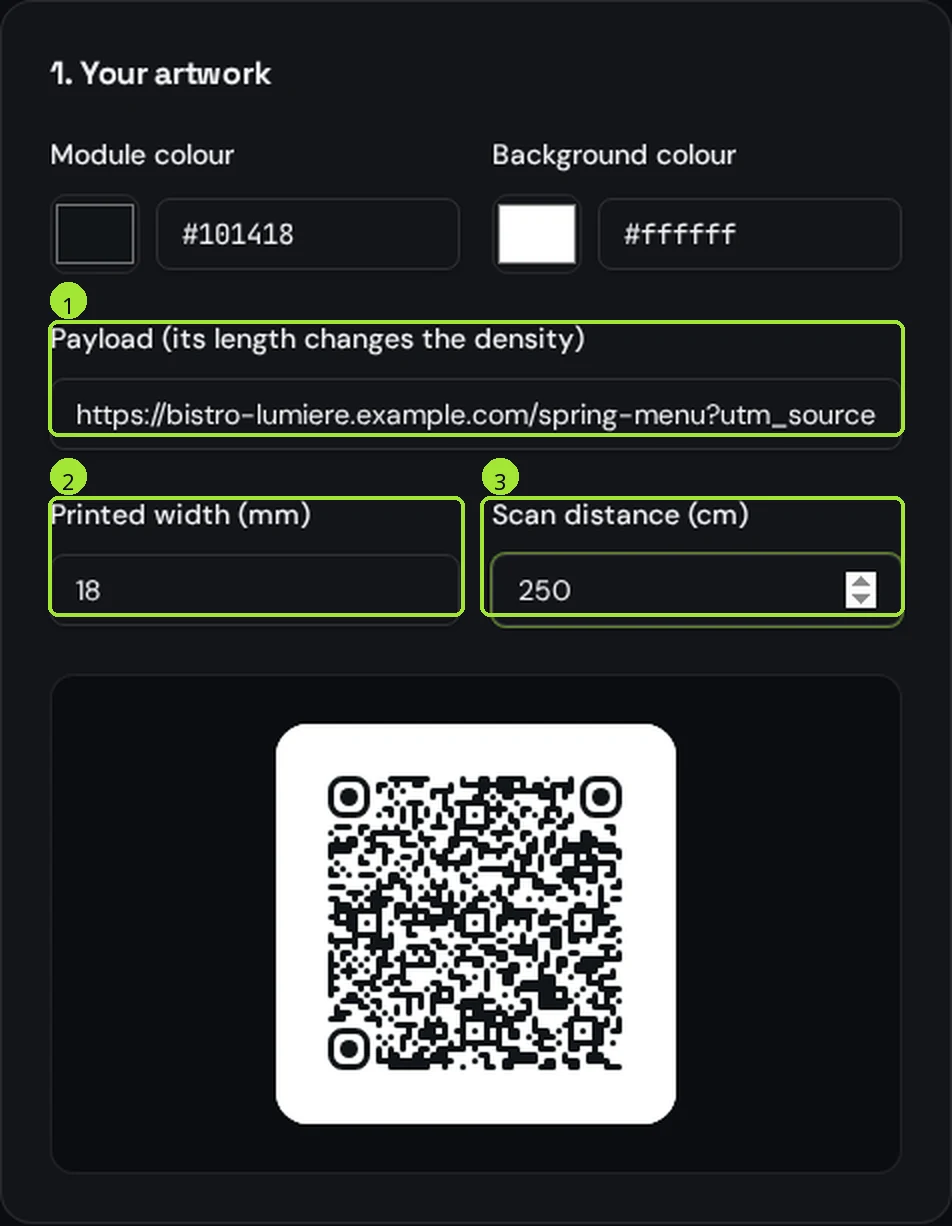
Packaging is scanned close up — 15 to 25 cm, a phone held over a shelf or a kitchen counter. That sounds easy, but the limit on packaging is not distance, it is how small each module can be printed and still survive ink spread.
| Pack | Scanned from | Printed width | Absolute floor |
|---|---|---|---|
| Cosmetic tube, sachet | 15 cm | 18–20 mm | 15 mm |
| Jar, tin, small carton | 20 cm | 20–25 mm | 18 mm |
| Bottle back label | 20 cm | 22–25 mm | 18 mm |
| Folding carton, food box | 25 cm | 25–30 mm | 20 mm |
| Shipping case, outer box | 60 cm | 50–60 mm | 40 mm |
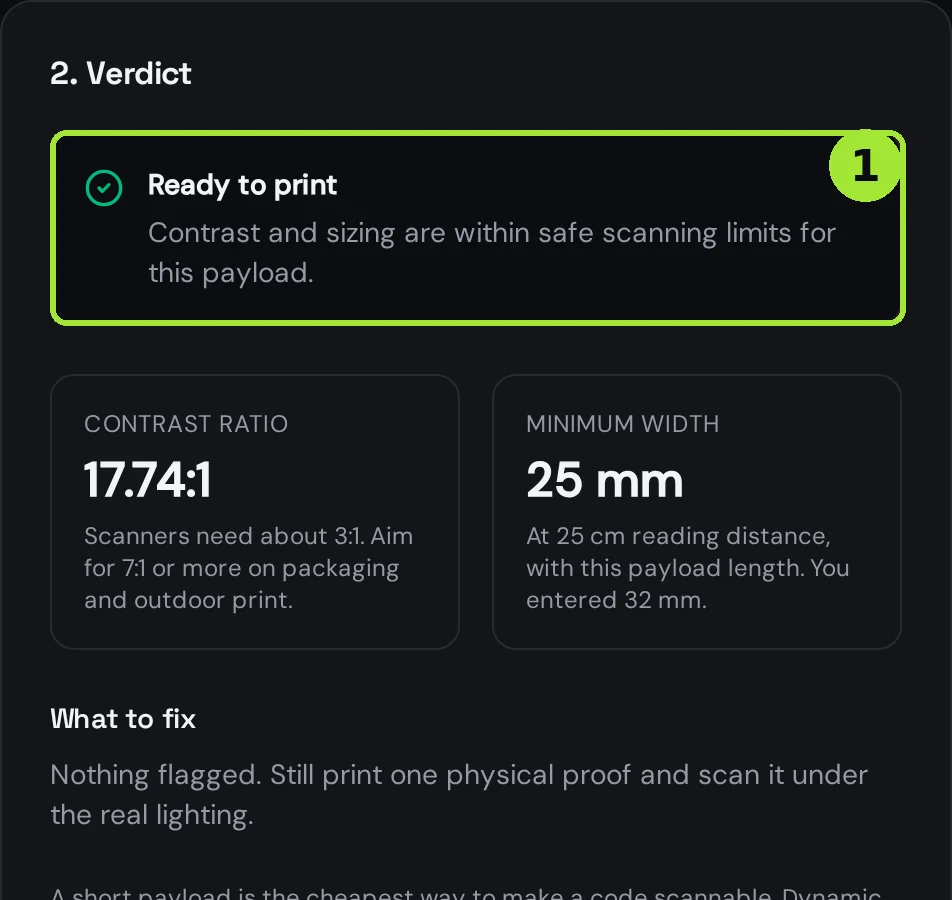
Use the <a href="/tools/qr-code-size-calculator">size calculator</a> with the exact destination you will encode: a long URL packs in more modules, each module gets smaller at the same printed width, and that is what fails on a flexo press. If the calculator asks for more width than the label has, shorten the destination — do not shrink the code.
Curved surfaces: bottles, tubes, cans
- Keep the whole code within a flat-looking band: as a rule, no more than a third of the visible curve. On a 60 mm diameter bottle that means about 25 mm of usable width.
- Orient the code so the curve runs across it, not diagonally — a diagonal wrap distorts the alignment squares first.
- On tubes and sachets, place the code on the flat sealed face or the flat panel, never across a crimp or a fold.
- Add width before you add error correction: a bigger code on a curve beats a dense high-correction code squeezed into the same space.
- Never let a seam, a shrink-sleeve overlap or a tamper strip cross the code.
Print process, material and colour
| Process | Typical use | What to watch |
|---|---|---|
| Offset / digital | Cartons, paper labels | Most forgiving; keep the code in a single solid colour |
| Flexo | Film, self-adhesive labels | Ink spread thickens modules — add 10–15% width |
| Screen print | Glass, metal, plastic containers | Coarse resolution; go one size up and avoid tiny modules |
| Thermal transfer | Logistics and variable-data labels | Check ribbon wear; a worn head erases modules |
| Laser / direct marking | Metal, cardboard, wood | Low contrast is the risk — verify with a real phone |
- Dark code on a light background, always. An inverted code (light on dark) is read by fewer phones and wastes a print run.
- One flat colour, no gradient, no photo behind the code. Keep contrast strong — mid-grey on beige fails under warm store lighting.
- Reserve a clear margin of four module widths around the code and keep all text, seams and die-cut lines out of it.
- Ask for a matte or spot-matte varnish over the code area; gloss reflects the phone's own screen.
- Never let the code be a spot varnish, an emboss or a foil — a code has to be ink, with real contrast.
Regulated panels and what to keep in print
A QR code can extend the information on a pack, but in most regulated categories it cannot replace what has to be printed. Food, cosmetics, toys, electricals and supplements each have mandatory printed content in the EU; a link is an addition, not a substitute.
- Keep mandatory statements printed: ingredients, allergens, net quantity, durability, business address, warnings.
- Use the code for what print cannot carry: full manuals, multi-language versions, videos, recycling details, batch traceability.
- Label the code with what it leads to — "Scan for the full manual" converts far better than a bare code.
- Check your category's own rules before removing anything from the artwork; requirements differ by product and market.
Before you sign off the artwork
- Export vector (SVG or PDF), never a raster image — the printer scales the artwork, and a PNG turns into soft edges.
- Scan the printer's physical proof, on the real material, under the real varnish. A PDF on screen proves nothing.
- Test on the shelf conditions: store lighting, the pack in hand, and one worn or creased sample.
- Try both an iPhone and an Android, and one older phone with a scratched lens.
- Confirm the destination works on mobile data, loads in under three seconds and is not a desktop-only page.
- Write down the short link somewhere internal, so whoever owns the product in two years knows which code to repoint.
Perguntas frequentes
- What is the smallest QR code I can print on a label?
- Around 15 mm is the practical floor on paper or film, and only with a short encoded link. Below that, each module gets so small that ink spread and press tolerance start closing the white gaps. On coarse processes like screen printing, stay at 20 mm or more.
- Can a QR code be printed on a curved bottle?
- Yes, if the whole code stays within about a third of the visible curve and the curve runs straight across it. On a 60 mm bottle that means roughly 25 mm of code width, placed on the flattest part of the label and never across a seam.
- Should a packaging QR code be static or dynamic?
- Dynamic, without exception. Packaging is printed in long runs and lives for years, while landing pages, promotions and manuals change. A dynamic code lets you repoint the same printed pattern instead of scrapping stock.
- Why does my printed QR code fail when the digital file scans fine?
- Almost always one of four things: gloss varnish reflecting store lighting, ink spread on flexo closing the module gaps, a code exported as a low-resolution raster instead of vector, or too little quiet zone because artwork was pushed against it.
- Can a QR code replace the mandatory information on a pack?
- Generally no. In regulated categories the mandatory content has to remain printed, and the code adds what print cannot carry — full manuals, other languages, videos, recycling and batch details. Check the rules for your specific category and market.
Próximos passos
- QR codes for retail storesShelf labels, the window that keeps selling after closing, fitting rooms, loyalty at the till and the review on the receipt. Sizes that scan at shelf distance and one code per product line done right.
- QR codes on vehicles and outdoor signsThe outdoor rules: real sizes by reading distance, the parked-vehicle truth, weatherproofing, and what to print next to the code so people can still reach you.
- What size should a QR code be for print?The short answer is one tenth of the reading distance — but payload length, quiet zone and file format decide whether that size actually scans. Here is the full method, with a print-ready export at the end.