QR codes on vehicles and outdoor signs
Atualizado em 20 de setembro de 20268 min de leitura
Artigo em inglês
Este guia ainda não está traduzido para o seu idioma, por isso está a ler a versão inglesa.
Outdoors, a QR code has two enemies: distance and weather. Both are underestimated. A code that looks generous on a laptop screen becomes a grey smudge at four metres, and a code that scans perfectly in March is chalky and cracked by the following summer. Here is how to size it, protect it and place it so it still earns scans two years in.
Sizing by reading distance
The working rule outdoors is simple: the printed width should be about a tenth of the reading distance. Then check it, because the length of your link changes the answer — more characters means more modules, and each module gets smaller at the same width.
| Placement | Read from | Printed width | Do not go below |
|---|---|---|---|
| Shop window, at the glass | 50 cm | 50 mm | 40 mm |
| A-board on the pavement | 1 m | 100 mm | 80 mm |
| Van door, parked | 2 m | 200 mm | 150 mm |
| Van rear panel, parked | 3 m | 300 mm | 250 mm |
| Fence or site hoarding | 4 m | 400 mm | 300 mm |
| Building sign, facade | 8 m | 800 mm | 600 mm |
| Billboard | 15 m | 1500 mm | 1200 mm |
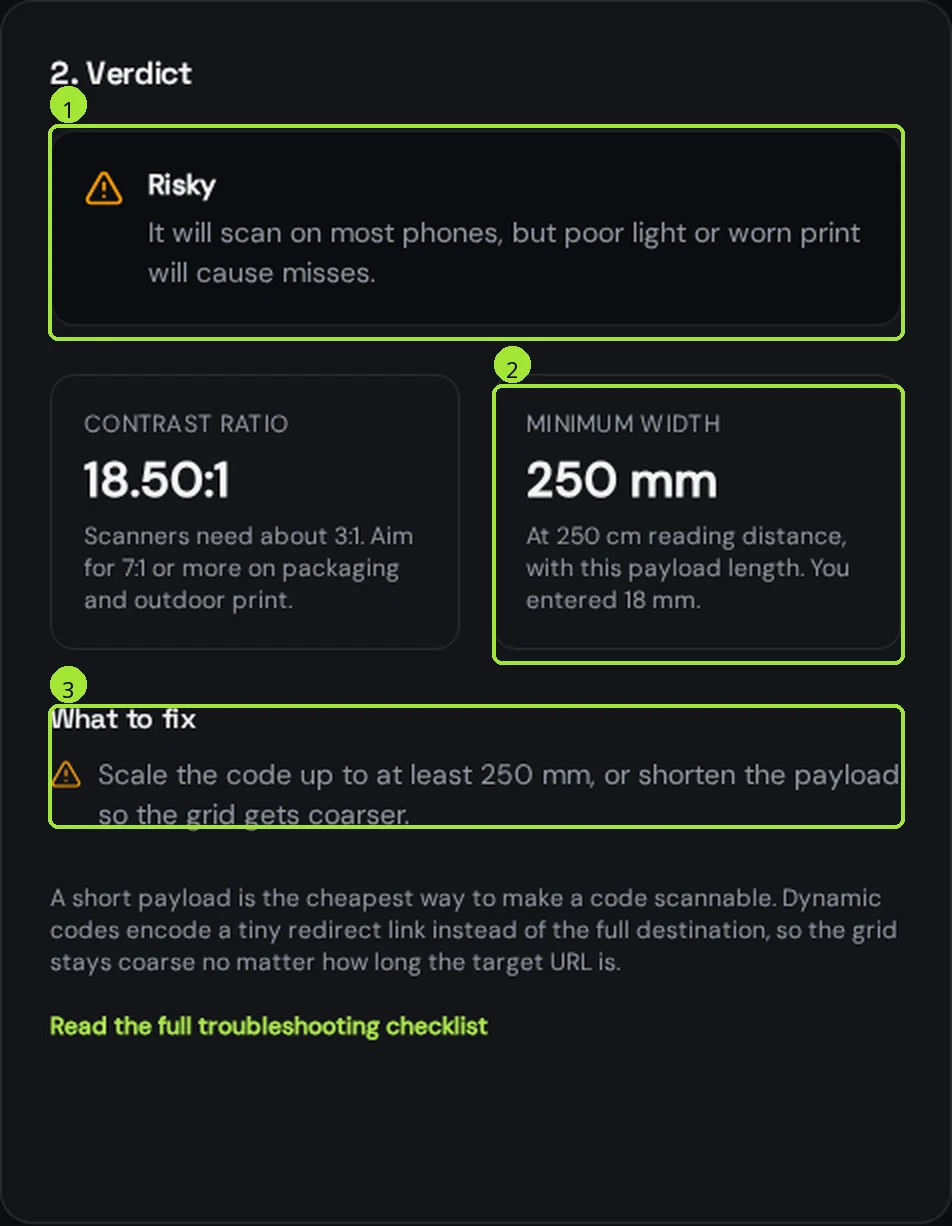
Run your own destination through the <a href="/tools/qr-code-size-calculator">size calculator</a> before the file goes to the sign maker. Outdoors is where the difference between a short link and a full campaign URL is measured in tens of centimetres of vinyl.
Vehicles: the honest version
A QR code on a moving vehicle is not scannable, and no size fixes it. A phone camera needs roughly one to two seconds of a steady, square-on view. In traffic nobody gets that, and anyone trying it while driving should not be.
- Design vehicle codes for when the van is parked: at a customer's kerb, at a depot, at a trade show, outside a job site. That is where the scans come from.
- Put the code on the rear panel and on the side doors at roughly chest to eye height, never on a wheel arch, a handle recess or a body crease.
- Keep the code away from the wrap seams and from the panel gaps — a code split across a door gap is dead.
- Print the spoken version next to it: a short readable link and a phone number. That is what actually converts at 50 km/h.
- For fleets, give each vehicle its own code so you can see which van, depot or region generates contacts.
Surviving sun, rain and cleaning
| Threat | What it does | What prevents it |
|---|---|---|
| UV / sunlight | Ink fades, contrast drops, dark modules go grey | UV-stable inks plus a UV laminate; pure black, never a dark colour |
| Rain and frost | Edges bleed, substrate swells, print lifts | Cast vinyl or aluminium composite, sealed edges |
| Pressure washing | Removes ink and lifts laminate corners | Over-laminate with rounded corners and a 3 mm bleed |
| Dirt and road spray | Fills the light modules, kills contrast | Height above the splash zone and a wipeable matte laminate |
| Scratches and grit | Breaks modules, especially on door edges | Matte over-laminate; keep the code off leading edges |
- Always matte or satin laminate, never gloss: gloss mirrors the sky and the phone's own screen, and that is the single most common outdoor failure.
- Pure black on white, full contrast. Company colours belong around the code, not inside it.
- Choose error correction level Q or H outdoors, so a scratch or a bit of dirt does not stop the read — then add width to compensate for the extra modules.
- Keep the quiet zone empty: four module widths of clean white on every side, with no logo, slogan or border intruding.
- Leave the code matte even when the rest of the wrap is gloss — sign makers can apply a spot matte over that panel.
Placement that gets scanned
- Chest to eye height wherever someone can stand. Codes above two and a half metres get photographed at an angle and fail.
- Never on the ground and never facing direct low sun; a raking reflection wipes out contrast at dawn and dusk.
- Avoid glass with a code behind it at eye level — reflections of the street win.
- Give the code its own clear block of background. A code floating over a photo of a building is unreadable at distance.
- Tell people what they get: "Scan for prices", "Scan to book". A bare code outdoors is ignored.
Why outdoor codes have to be dynamic
A vehicle wrap lasts five years, a facade sign longer. Your offers, your booking system and your website structure will not. A dynamic code keeps the vinyl untouched while you change the destination: seasonal offer now, booking page next quarter, recruitment page when you need drivers.
- One code per vehicle or per sign, so scans tell you which placement pays for itself.
- Use scheduling for seasonal campaigns instead of reprinting anything.
- Send scans to a mobile page that loads in under three seconds on mobile data — outdoor scans happen on the street, not on Wi-Fi.
Test before the vinyl is cut
- Export vector (SVG or PDF) at the final size; never send a raster file to a large-format printer.
- Print a paper proof at full size, tape it where the real code will go, and scan it from where people will stand.
- Test in direct sun and at dusk, and with the surface wet.
- Try two phones, including one older model, and hold them at a realistic angle rather than perfectly square.
- After installation, scan every vehicle and sign once, and repeat the check each spring — fading is gradual and nobody notices until scans stop.
Perguntas frequentes
- How big should a QR code be on a van?
- Size it for the distance people stand at when the van is parked. A door code read from two metres needs around 200 mm, a rear panel read from three metres around 300 mm. Check your own link in the size calculator, because a longer URL needs more width.
- Can people scan a QR code on a moving vehicle?
- Realistically no. A phone needs one to two seconds of a steady, square-on view, which traffic never allows — and nobody should be trying while driving. Treat vehicle codes as a parked-vehicle channel and print a short link and phone number alongside.
- Will an outdoor QR code survive rain and sunlight?
- Yes, with the right build: UV-stable ink, cast vinyl or composite panel, sealed edges and a matte over-laminate. Fading is the slow killer, so scan every sign once a year — contrast drops long before the code looks damaged.
- Should an outdoor QR code be matte or gloss?
- Matte, always. Gloss laminate mirrors the sky and the phone's own screen, and that reflection is the most common reason a large outdoor code will not scan despite being the right size.
- What error correction level should I use outdoors?
- Q or H, so a scratch, sticker or splash of dirt does not stop the read. Higher correction adds modules, so increase the printed width at the same time — otherwise you trade one failure for another.
Próximos passos
- QR codes for tradespeople and home-service businessesThe van that collects quote requests while it is parked, the sticker on the boiler that still works in five years, and the leaflet code that tells you which street replied.
- QR codes for dealerships, workshops and car rentalOne code per vehicle on the windscreen card, a forecourt that keeps selling at 11pm, and the service sticker that books the next appointment on its own.
- QR codes for real estate: signs, viewings and listingsWhat a for-sale sign code has to do, the sizes that actually scan from a pavement or a car, and why one dynamic code per listing pays for itself.